Blasting - Official
Make sure your device has an active Premium Official Package subscription.
Go to "Blasts" tab and click on "Official" tab.
Enter "Blast Name", "Groups", "Scheduled At Now or Later". For later, you can schedule up to 3 months only.
Choose a "Device".
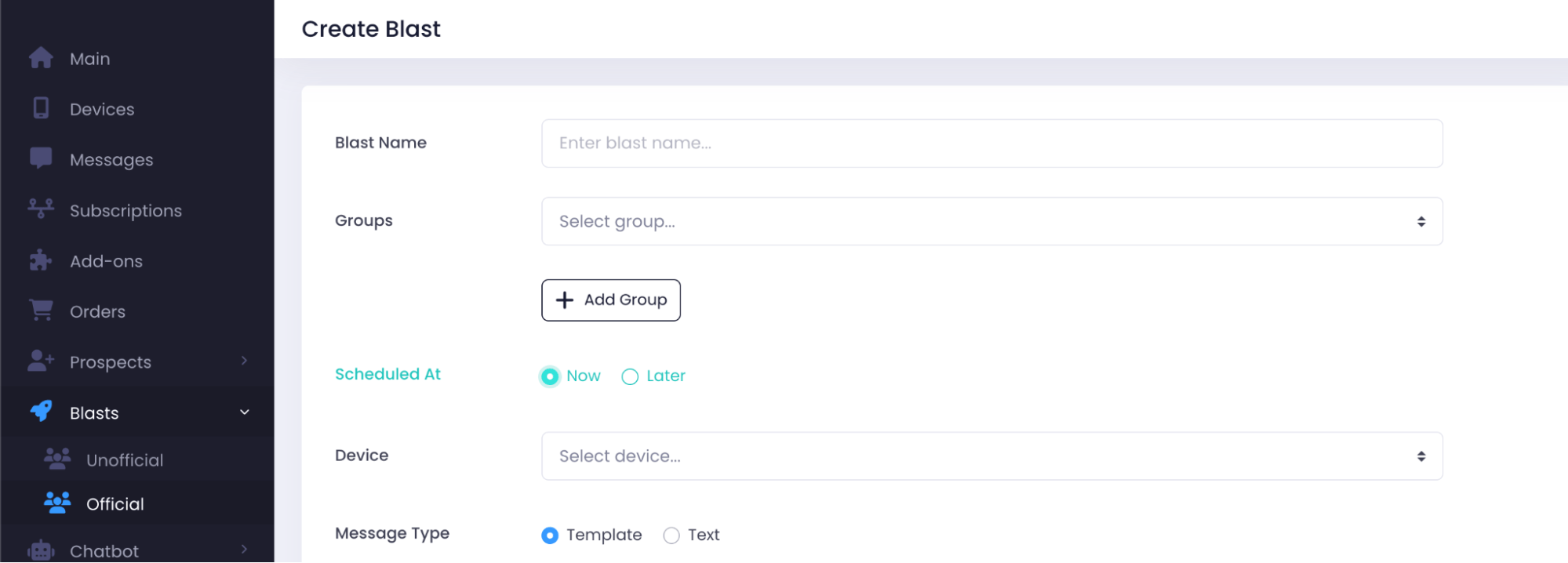
Choose "Message Type - Template or Text":
- Template: You may choose any templates you have done before at "Manage Templates" tab.

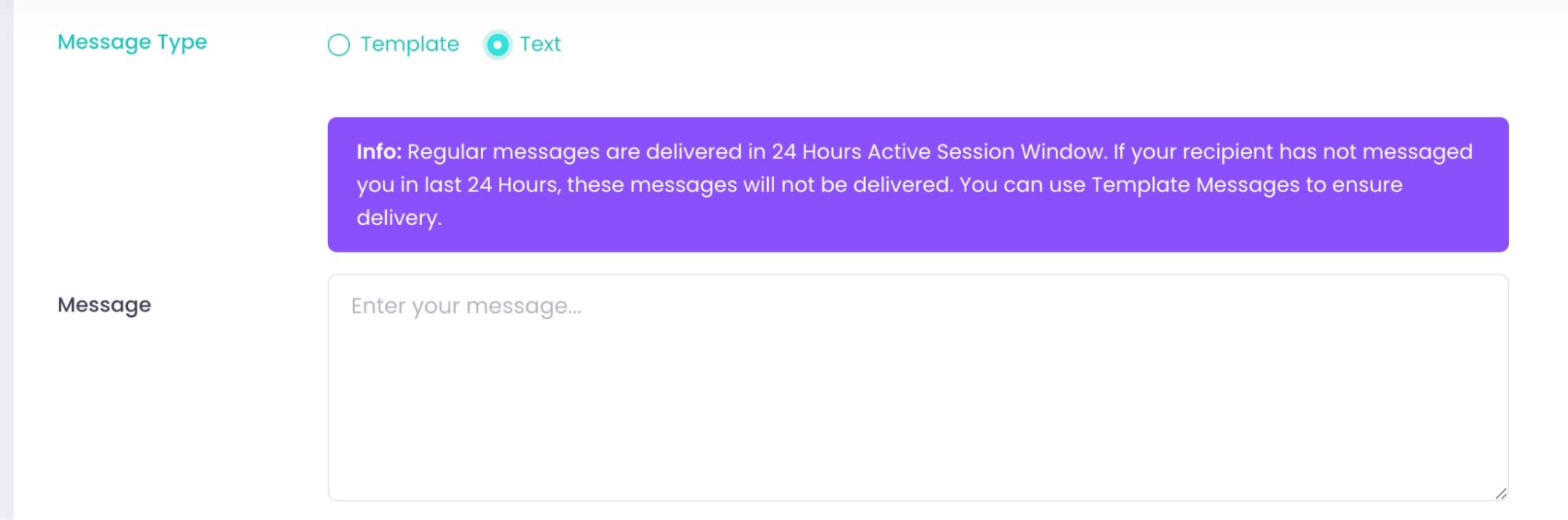
- Text: Receiver must message first. Messages will fail to send if receiver does not initiate conversation within 24 hours.
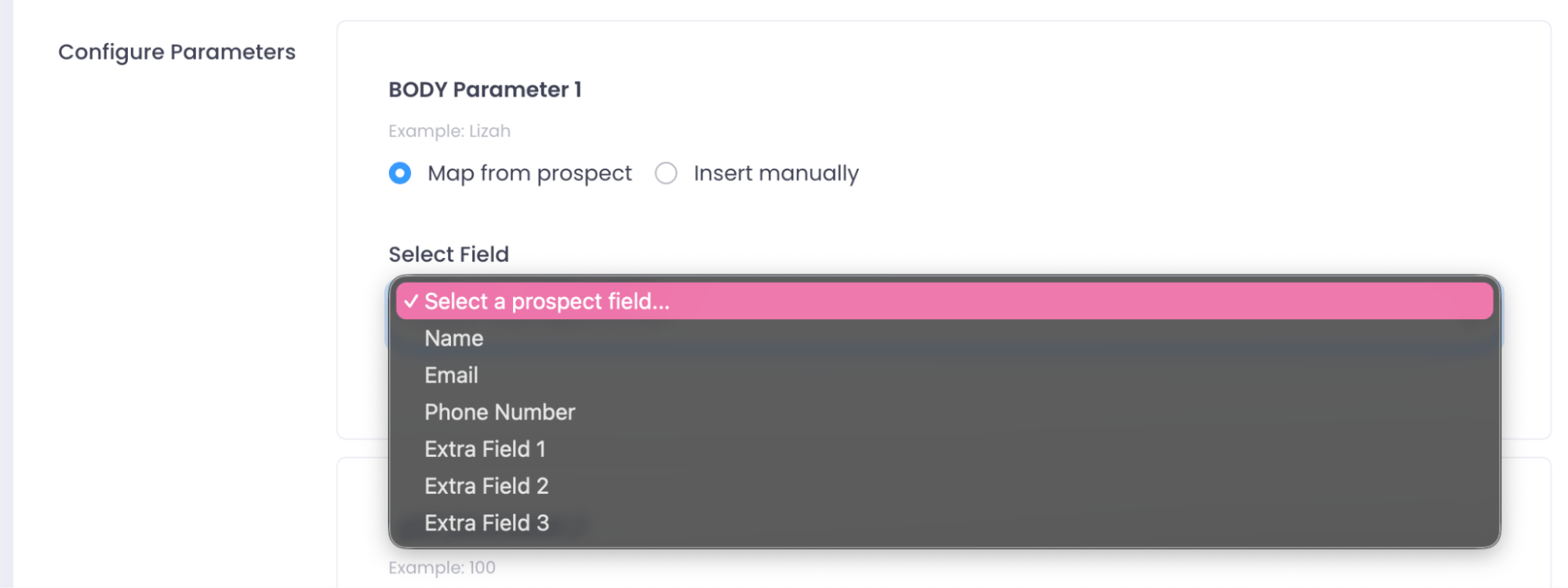
Configure parameters:
- Map from prospect: Fields will list down by what you imported under Prospect > Names
- Insert manually: All prospects will receive the same data.
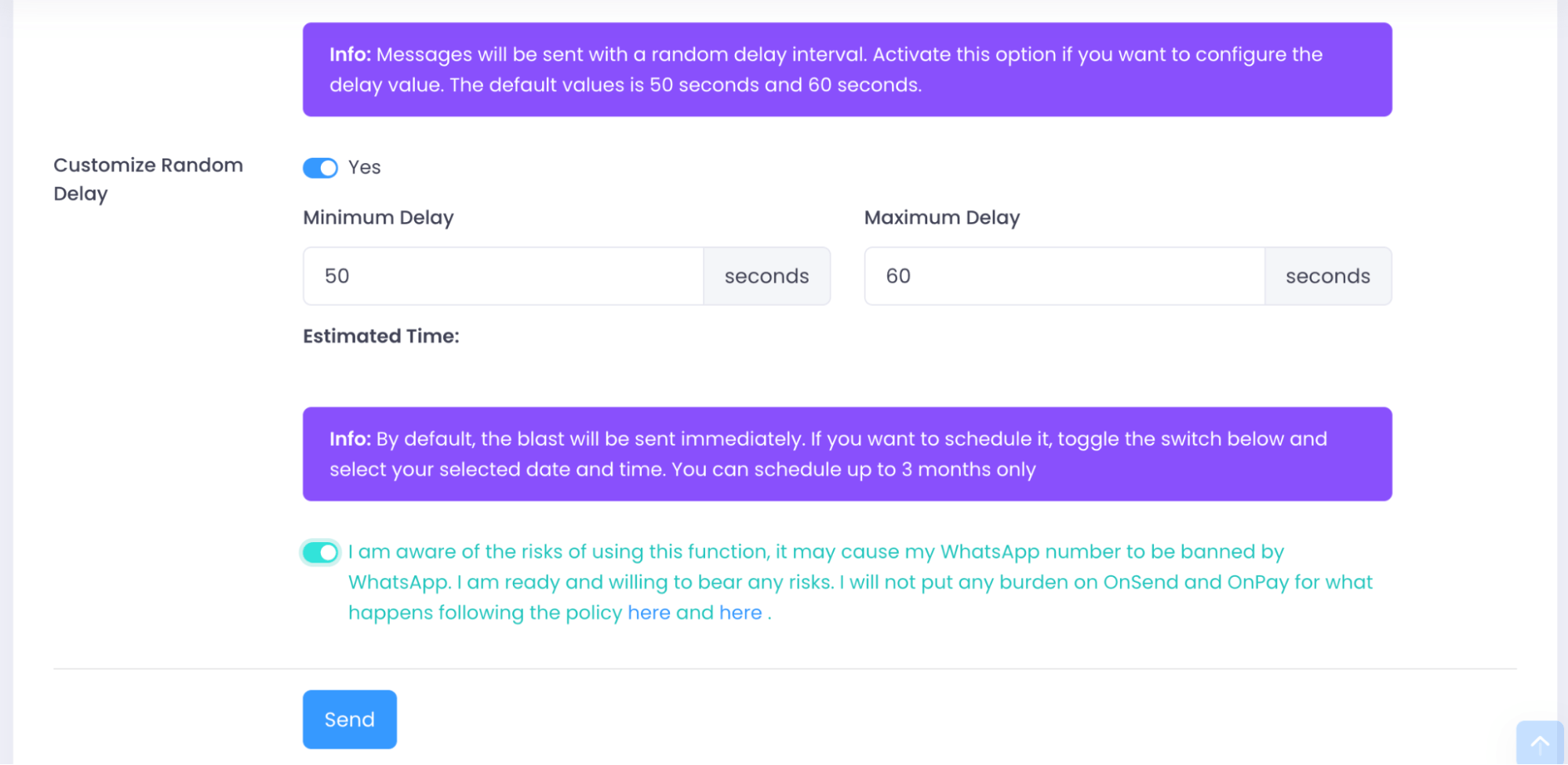
Set a "Customize Random Delay" interval by clicking "Yes". Accept terms of agreement. Click "Send".