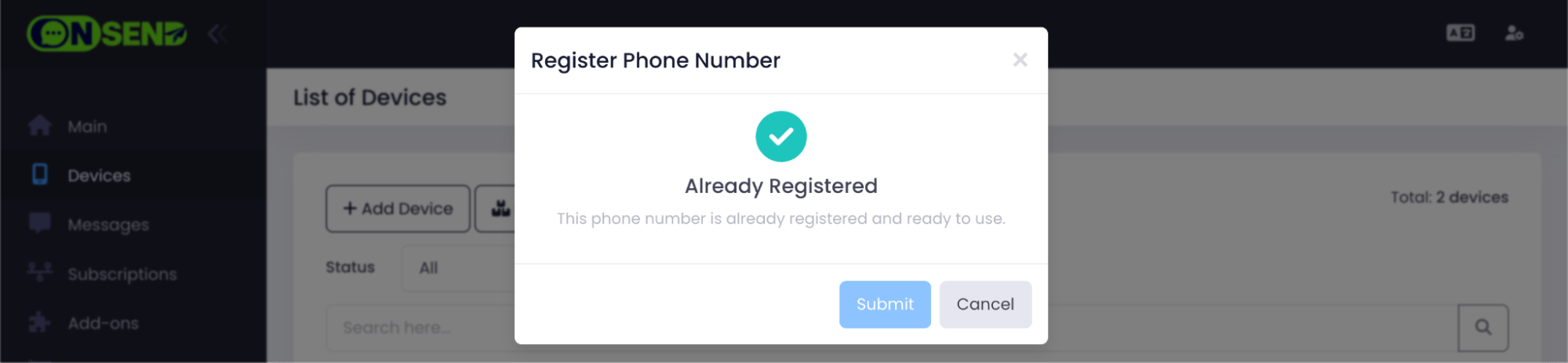
WhatsApp Business API Configuration
Make sure your device has an active Premium Official Package subscription.
Login to your OnSend account.
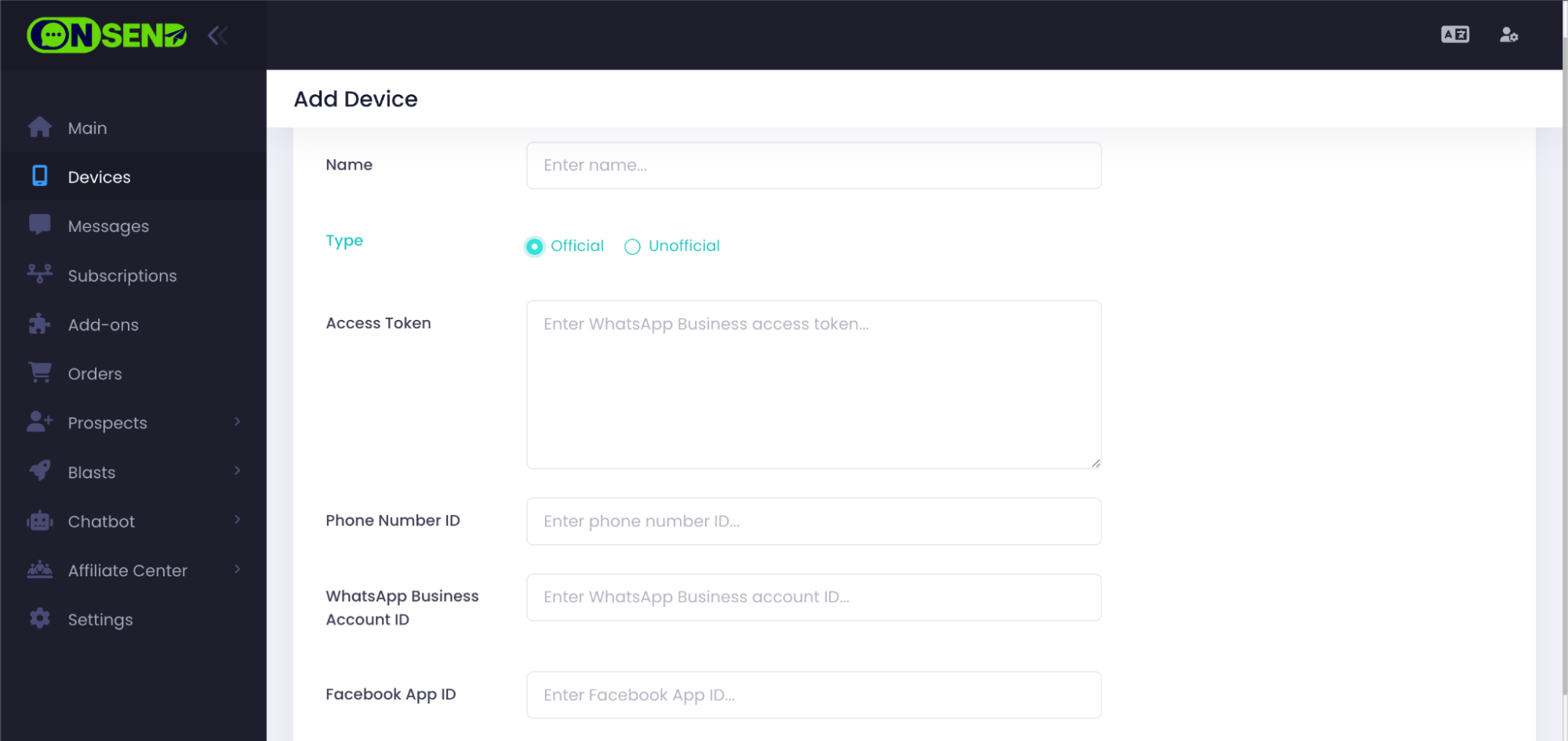
Navigate to "Device" tab. Click on "Add Device" tab.
Choose type "Official" and fill all credentials you can get from Meta Developer.
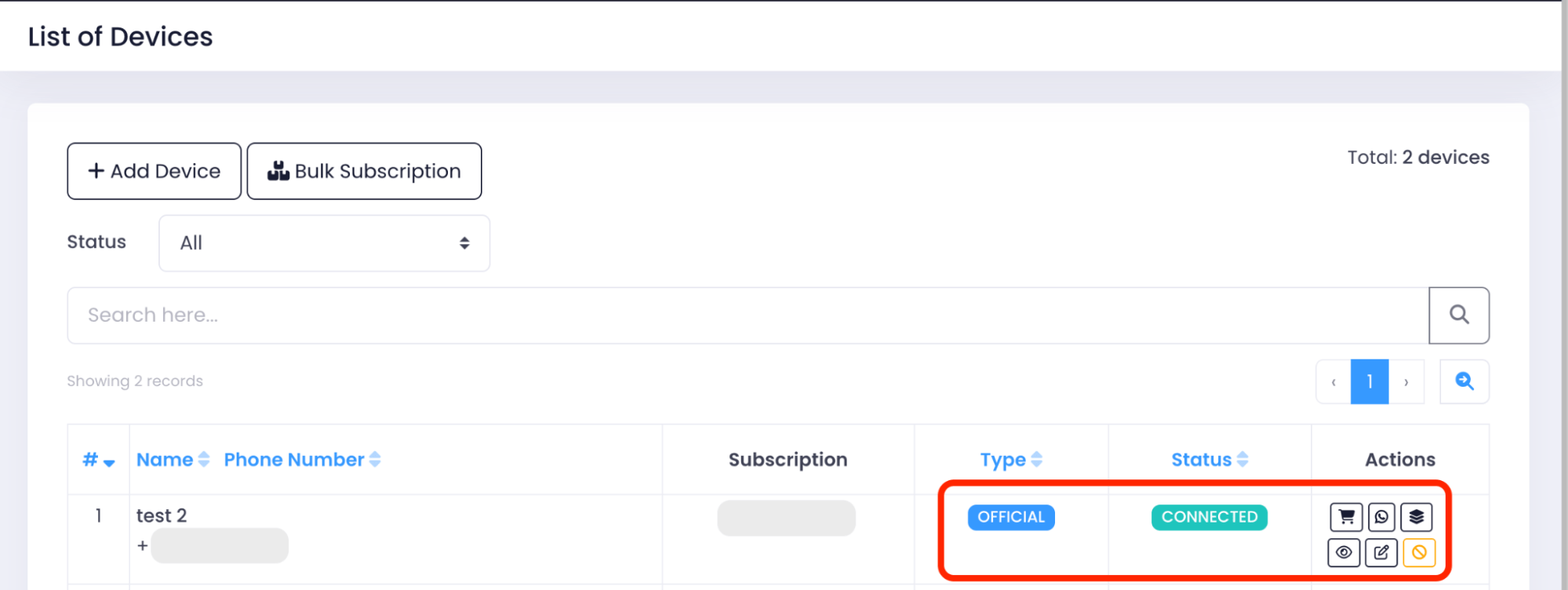
Refresh the page. Status of the device will turn "Connected".
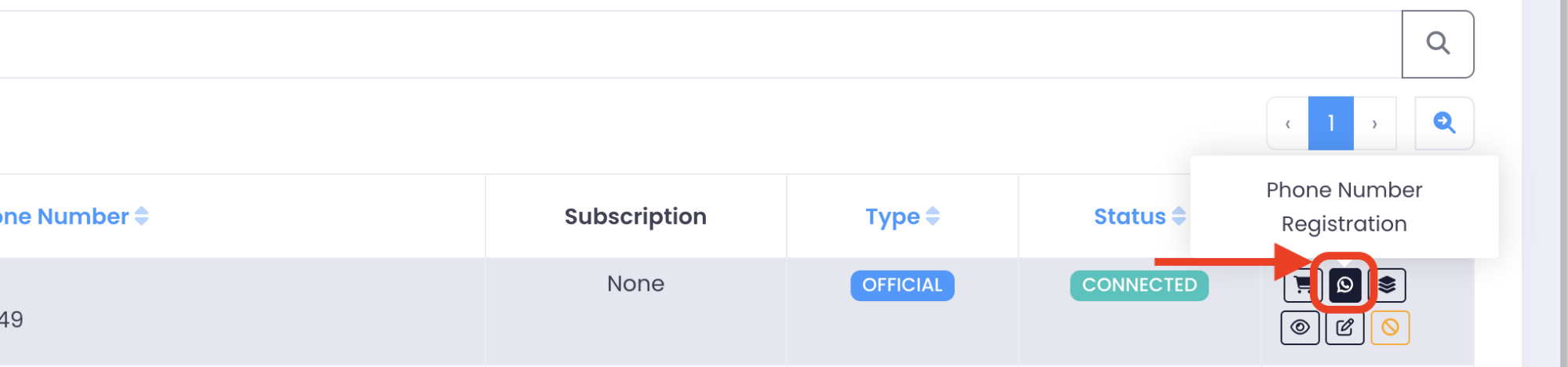
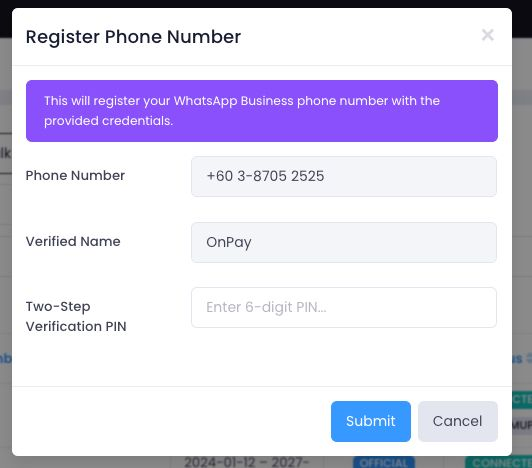
Click "Phone Number Registration" in actions column to register a new phone number.
Fill in information for phone number registration.
For first time registration, you can enter any random value for "Two-Step Verification PIN".
Example of a successful message after registering a phone number: